How to Use Hacker Typer on Mobile (No App or APK Needed)
You do not need to download a Hacker Typer app. The site runs in the browser on any phone or tablet, and you can add it to your home screen so it opens like an app.
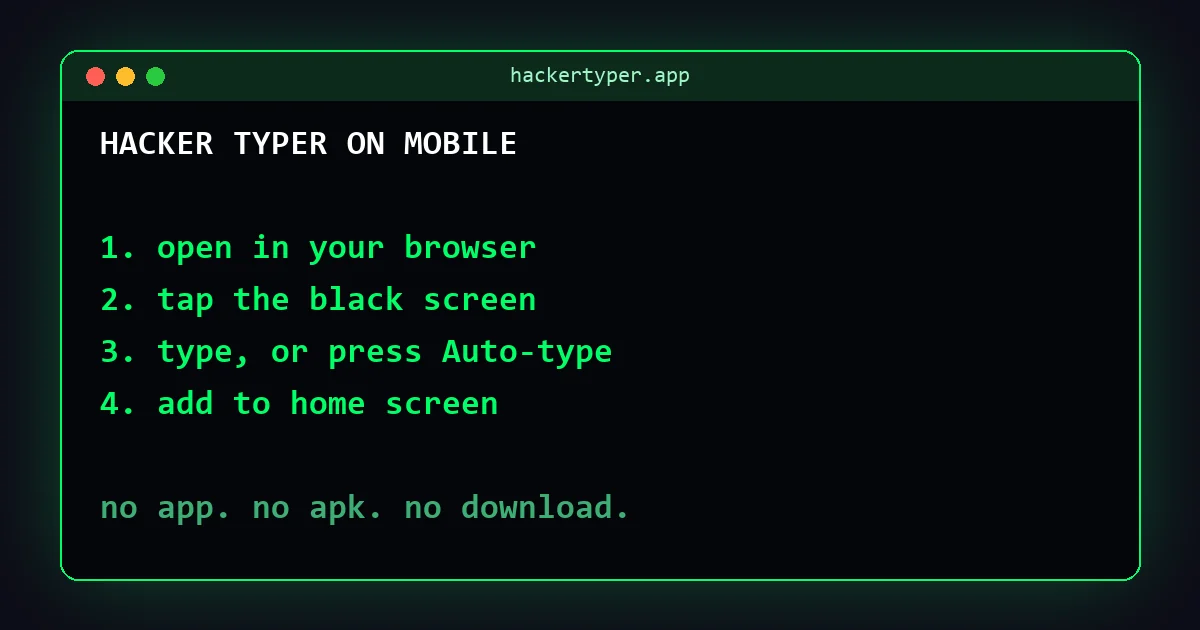
Using it in your phone's browser
- Open hackertyper.app in Chrome, Safari or any other browser.
- Tap the black terminal area. Your on-screen keyboard opens.
- Type anything. Each character adds code.
If the keyboard does not appear, tap once more in the middle of the terminal, away from the footer links.
The easiest option on a phone: auto-type
On-screen keyboards cover half the display, which hides a lot of the effect. Two tools avoid that:
- Hacker Typer 2.0 has an Auto-type button. Tap it and the code writes itself with the keyboard closed. There are also Granted and Denied buttons, since phones have no Alt or Shift shortcuts.
- Hacker Typer Screen starts typing as soon as the page opens and adds matrix rain. Nothing to tap.
Add Hacker Typer to your home screen
This gives you an icon that opens the site in one tap.
iPhone and iPad (Safari)
- Open the page in Safari.
- Tap the Share button.
- Choose Add to Home Screen, then Add.
Android (Chrome)
- Open the page in Chrome.
- Tap the three-dot menu.
- Choose Add to Home screen, then confirm.
Menu names change slightly between browser versions, but the option is always in the share or main menu.
Tips for a better mobile hacker screen
- Turn the phone sideways. Landscape gives longer lines of code and looks more like a monitor.
- Raise the font size. On the classic typer, open Settings and move the Font Size slider up so the code can be read from a distance.
- Hide the footer. Tap the ✕ at the right of the footer for a cleaner screen.
- Use a tablet as a prop. An iPad running the hands-free screen on a stand makes a convincing second "monitor".
- Connect a keyboard. A Bluetooth keyboard paired with a phone or tablet works exactly like a desktop, shortcuts included.
Do I need a Hacker Typer APK or app?
No. Everything on this site works in the browser, so there is nothing to install and nothing to update. We do not publish an APK.
App stores do list separate apps with "Hacker Typer" in the name, made by other developers. If you prefer one of those, install it only from the official App Store or Google Play. Be careful with APK files from download sites: an unofficial APK can contain anything, and a typing prank is not worth the risk. For more on staying safe, read Is Hacker Typer safe?
FAQ
Does Hacker Typer work on iPhone?
Yes. Open hackertyper.app in Safari or another browser, tap the terminal and type. You can also add it to your home screen from the Share menu.
Is there a Hacker Typer app download?
hackertyper.app does not need a download and does not offer an APK. It runs in your mobile browser and can be added to the home screen like an app.
How do I get Access Granted on mobile?
On the classic typer, keep typing until the Keypresses counter reaches 150. On Hacker Typer 2.0, tap the Granted button.
Does it work offline?
You need a connection to load the page. Once it is open, typing keeps working without a connection until you reload or close the tab.