How to Make a Password Generator With HTML and JavaScript
A password generator is a useful first project because the result is something you can use. This version is one file, creates a new random password at the press of a button, and uses the browser's secure random number generator instead of the weaker Math.random.
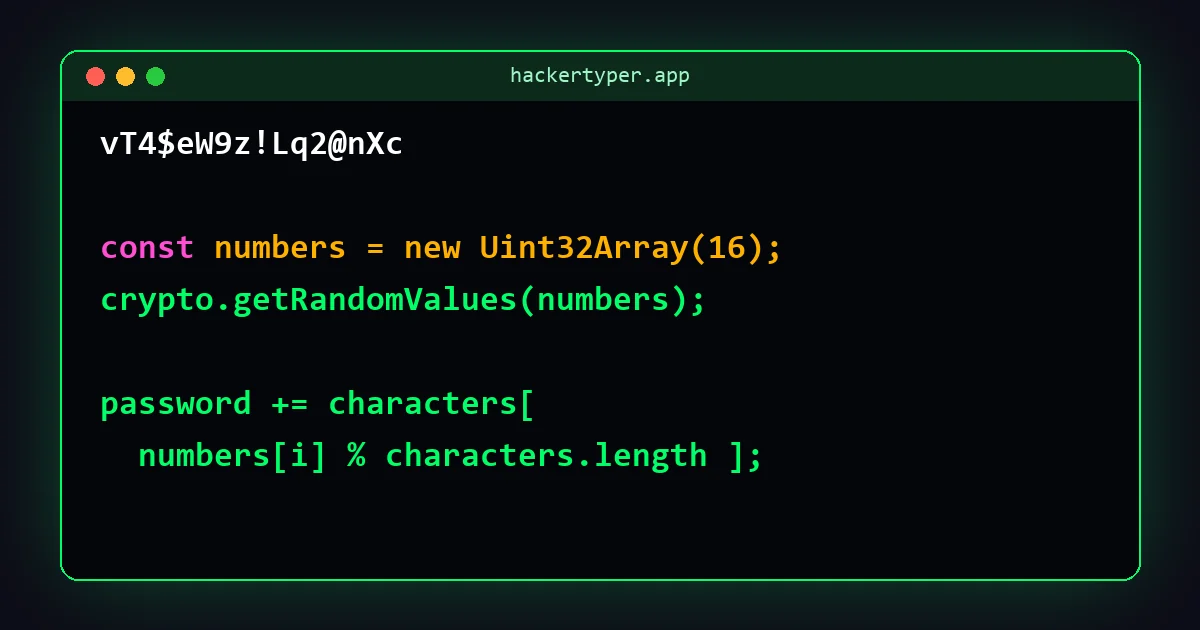
The complete code
<!DOCTYPE html>
<html lang="en">
<head>
  <meta charset="UTF-8">
  <title>Password Generator</title>
  <style>
    body { font-family: Arial, sans-serif; max-width: 600px; margin: 60px auto; padding: 0 16px; text-align: center; }
    #password { font: bold 24px monospace; padding: 16px; background: #f0f0f0; border-radius: 8px; word-break: break-all; }
    button, input { font-size: 16px; padding: 8px 14px; margin: 14px 4px; }
    input { width: 60px; }
  </style>
</head>
<body>
  <h1>Password Generator</h1>
  <div id="password"></div>

  <label>Length <input id="length" type="number" min="8" max="64" value="16"></label>
  <button id="generate">Generate</button>
  <button id="copy">Copy</button>

  <script>
    const characters = "ABCDEFGHIJKLMNOPQRSTUVWXYZ" +
                       "abcdefghijklmnopqrstuvwxyz" +
                       "0123456789" +
                       "!@#$%^&*-_=+?";

    const output = document.getElementById("password");
    const lengthBox = document.getElementById("length");

    function makePassword() {
      const length = Number(lengthBox.value);
      const randomNumbers = new Uint32Array(length);
      crypto.getRandomValues(randomNumbers);   // secure random numbers

      let password = "";
      for (let i = 0; i < length; i++) {
        password += characters[randomNumbers[i] % characters.length];
      }
      output.textContent = password;
    }

    document.getElementById("generate").addEventListener("click", makePassword);
    lengthBox.addEventListener("input", makePassword);
    document.getElementById("copy").addEventListener("click", function () {
      navigator.clipboard.writeText(output.textContent);
    });

    makePassword();   // show one as soon as the page opens
  </script>
</body>
</html>
How to use this code
- Get the file. Press Download above the code to save it as
password-generator.html. Or press Copy code, paste it into a plain text editor (Notepad on Windows, TextEdit in plain-text mode on a Mac, or a code editor such as VS Code) and save it aspassword-generator.html. The name must end in.html, not.txt. - Open it. Double-click the file. It opens in your web browser and starts working straight away.
- Change it. Open the same file in the text editor, edit something, save, and refresh the browser page to see the result.
Nothing needs to be installed, and the file works without an internet connection.
How the code works
- The character pool.
charactersis one long piece of text holding every character a password may contain. The+signs simply join the four lines together. - Random numbers.
new Uint32Array(length)makes a list with one empty slot per password character.crypto.getRandomValuesfills every slot with a large random number from the operating system's secure source. - Number to character.
randomNumbers[i] % characters.lengthturns each large number into a position inside the pool. The%sign gives the remainder after division, which is always smaller than the pool size. - Building the password. The
forloop repeats once per character and adds each one to the end with+=. - The buttons.
addEventListener("click", ...)connects a button to a function. The Copy button usesnavigator.clipboard.writeTextto put the password on the clipboard.
Why not Math.random?
Most tutorials use Math.random() because it is shorter. It is fine for games and animations, but its numbers are produced by a formula that is not designed to be unpredictable. crypto.getRandomValues is built for security and is the one to use for passwords, keys and tokens.
Easy changes to try
| To change | Edit this |
|---|---|
| Default length | value="16" on the input |
| No symbols | Delete the "!@#$%^&*-_=+?" line and the + before it |
| Numbers only (a PIN) | Set characters = "0123456789" |
| Avoid look-alike characters | Remove O, 0, I, l and 1 from the pool |
A note for the curious
Using % makes some characters very slightly more likely than others, because the range of random numbers does not divide evenly by the pool size. With numbers this large the difference is far too small to matter in practice. A stricter generator, like the one on our tool page, throws away the few numbers that would cause it.
FAQ
Is it safe to use passwords from this code?
Yes. The password is created in your browser from secure random numbers and is not sent anywhere. Save it in a password manager.
Does it work offline?
Yes. The file needs no internet connection.
Why does the Copy button do nothing when I open the file?
Some browsers only allow clipboard access on secure pages. If Copy fails on a local file, select the password and copy it by hand, or put the file on a website that uses https.