How to Make a Digital Clock With HTML, CSS and JavaScript
A clock is a classic first JavaScript project. It teaches how to read the time, how to update the page, and how to repeat something every second. The full file is below and takes a minute to set up.
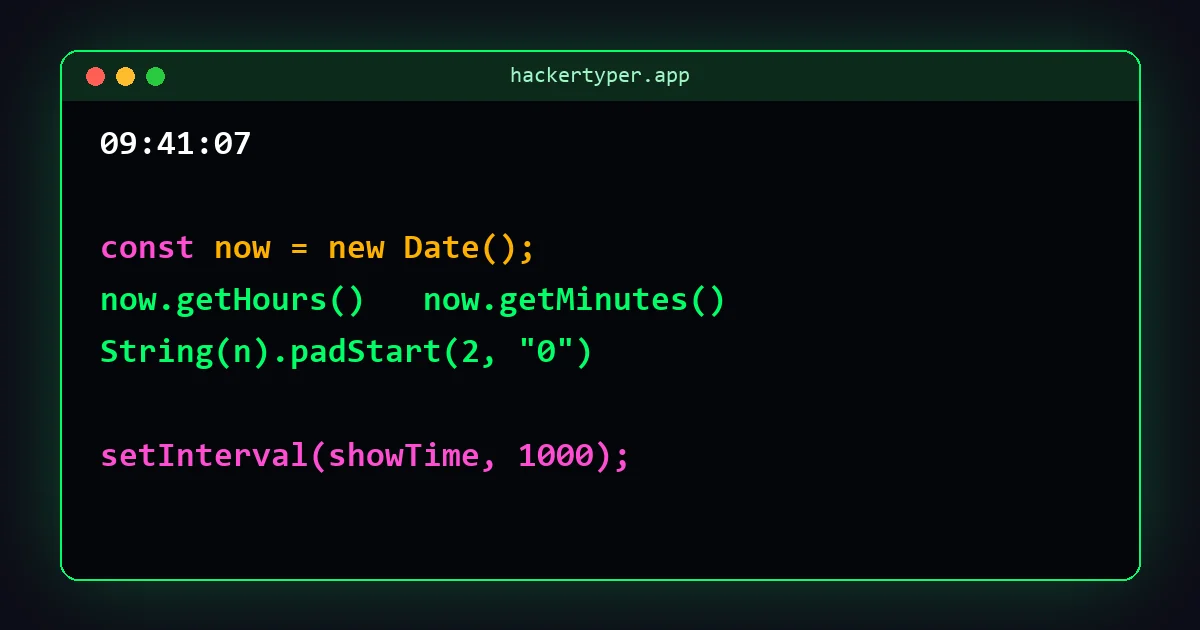
The complete code
<!DOCTYPE html>
<html lang="en">
<head>
  <meta charset="UTF-8">
  <title>Clock</title>
  <style>
    body {
      margin: 0; height: 100vh; background: #000;
      display: flex; align-items: center; justify-content: center;
    }
    #clock {
      font: bold 18vw "Courier New", monospace;
      color: #00ff66;
    }
  </style>
</head>
<body>
  <div id="clock">00:00:00</div>

  <script>
    const clock = document.getElementById("clock");

    function twoDigits(number) {
      return String(number).padStart(2, "0");   // 7 becomes "07"
    }

    function showTime() {
      const now = new Date();
      const hours = twoDigits(now.getHours());
      const minutes = twoDigits(now.getMinutes());
      const seconds = twoDigits(now.getSeconds());
      clock.textContent = hours + ":" + minutes + ":" + seconds;
    }

    showTime();                   // show the time straight away
    setInterval(showTime, 1000);  // then update every second
  </script>
</body>
</html>
How to use this code
- Get the file. Press Download above the code to save it as
clock.html. Or press Copy code, paste it into a plain text editor (Notepad on Windows, TextEdit in plain-text mode on a Mac, or a code editor such as VS Code) and save it asclock.html. The name must end in.html, not.txt. - Open it. Double-click the file. It opens in your web browser and starts working straight away.
- Change it. Open the same file in the text editor, edit something, save, and refresh the browser page to see the result.
Nothing needs to be installed, and the file works without an internet connection.
How the code works
new Date()asks the computer for the current date and time.getHours(),getMinutes()andgetSeconds()pull out each part as a number.twoDigitsturns the number into text and adds a zero in front when it has only one digit, so 9:5:3 becomes 09:05:03.clock.textContent = ...puts the finished text into the page.setInterval(showTime, 1000)runsshowTimeevery 1000 milliseconds, which is once a second.18vwin the CSS means 18% of the window's width, so the clock grows and shrinks with the window.
Easy changes to try
12-hour time with AM and PM
Replace the hours line and the last line of showTime with:
const hour24 = now.getHours();
const hours = twoDigits(hour24 % 12 || 12);
const ampm = hour24 < 12 ? " AM" : " PM";
clock.textContent = hours + ":" + minutes + ":" + seconds + ampm;
hour24 % 12 gives the remainder after dividing by 12, so 15 becomes 3. The || 12 turns a result of 0 into 12, for midnight and noon.
Hide the seconds
Change the last line of showTime to clock.textContent = hours + ":" + minutes;
Show the date
Add <div id="date"></div> under the clock, give it a smaller font size, and inside showTime add document.getElementById("date").textContent = now.toDateString();
Change the look
Edit color and background for other colours, and swap the font name for any font on your computer.
FAQ
Where does the clock get the time from?
From the device it runs on. It is as accurate as the computer's or phone's own clock and uses its time zone.
Why is the clock a second behind sometimes?
The timer is not perfectly exact, so an update can land slightly after the second changes. Updating four times a second, with 250 instead of 1000, hides this.
Does it work offline?
Yes. The file needs no internet connection.