10 Hacker Typer Prank Ideas That Actually Work
A fake hacking screen is one of the easiest pranks there is: no props, no mess and it is over in a minute. These ten setups go from simple to elaborate. All of them end with a reveal, because the laugh afterwards is the point.
Before you start: three rules
- Full screen always. Press the Fullscreen button or F11 so the browser bar and web address are hidden.
- Say less. Do not announce that you are hacking. Let people notice the screen and ask.
- Reveal quickly. If someone looks worried rather than amused, tell them straight away.
1. The casual genius
Open the classic Hacker Typer while a friend is nearby and type as fast as you can without looking at the keyboard. When they ask what you are doing, say "just fixing something" and carry on. Works best if you are known for not being technical.
2. "I'm in"
Use Hacker Typer 2.0. Type for twenty seconds, lean back, say "I'm in" and press Alt three times. A huge green ACCESS GRANTED fills the screen exactly on cue.
3. The named target
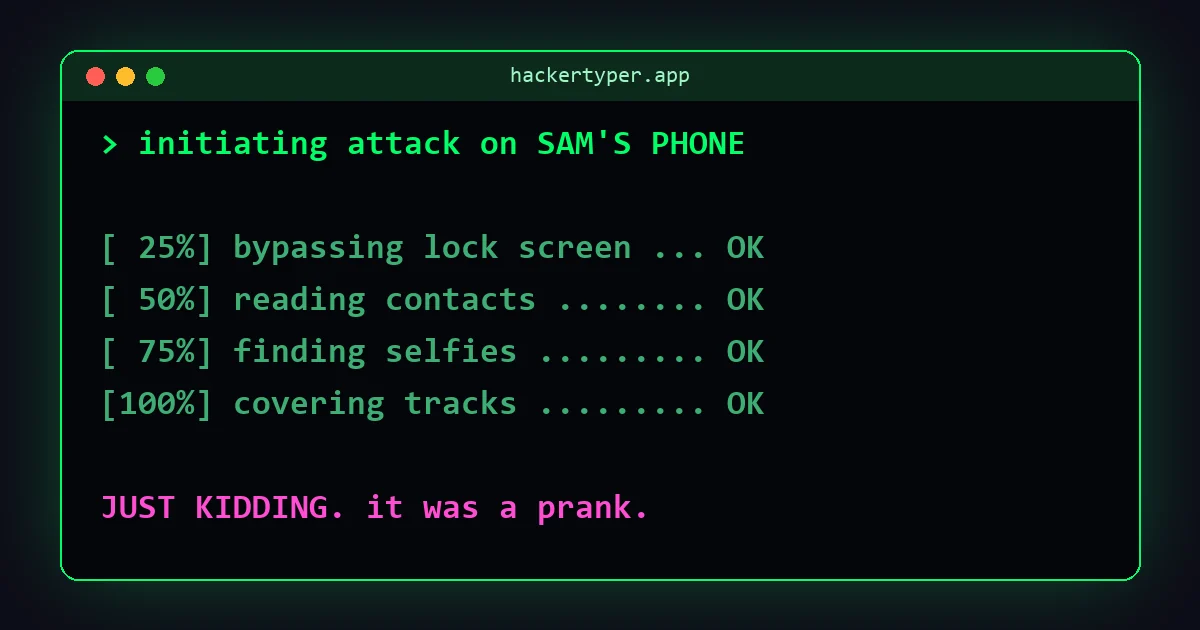
Open Hacker Typer Prank and enter your friend's name or device, such as "Sam's phone". The script prints their name while it "bypasses" things, and the final banner says they have been hacked. Press Esc for the built-in "JUST KIDDING" reveal.
4. The Wi-Fi cracker
At a friend's house, ask for the Wi-Fi password. Before they answer, say "never mind", open prank mode with the Wi-Fi network scenario and their network name, and type. Then ask them for the password anyway, because of course it did not work.
5. Let them be the hacker
Hand the keyboard to a younger sibling or a grandparent and tell them to press anything. Watching someone discover that they can "code" is funnier than doing it yourself. Turn the speed slider up in Hacker Typer 2.0 for extra effect.
6. The screen left behind
Open the Hacker Simulator on your own computer, press Launch simulation, go full screen and walk away. Whoever passes sees a password being cracked and files downloading with nobody at the desk. A fake update screen or fake blue screen works the same way. More in 15 harmless computer pranks.
7. The video call background
On a casual call with friends, share your screen "by accident" while the hands-free hacker screen is running. Apologise and say you forgot that was open.
8. The failed hack
Build up a serious attempt in Hacker Typer 2.0, then press Shift three times for a red ACCESS DENIED. Slam the desk. Try again. Get denied again. The repeated failure is the joke.
9. The TV takeover
Mirror your laptop or phone to the living room TV and start the hacker screen in matrix rain mode. Tell the family the TV has "been doing that all morning".
10. The classroom opener
For teachers: start a computing lesson by "hacking" on the projector, then show the class how the trick works. Our explanation of how Hacker Typer works and the JavaScript tutorial turn the prank into a lesson.
Where not to do it
Some places take any hint of a security incident seriously, and they are right to. Avoid fake hacking screens on work computers in companies with security teams, in banks, airports, hospitals and exam rooms, and never aim one at a stranger. Do not pretend to be IT support or any official. A prank should cost nobody anything except a moment of confusion.
FAQ
What is the best hacker typer for pranks?
For a quick prank, Hacker Typer 2.0 with the Alt shortcut for Access Granted. For a prank aimed at one person, Hacker Typer Prank, because it shows their name and has a built-in reveal.
Can I do a hacker prank on a phone?
Yes. All the tools work in a mobile browser. Tap the screen to bring up the keyboard, and turn the phone sideways for a wider terminal.
Can a hacker typer prank get me in trouble?
The tool itself is harmless, but context matters. Scaring someone into thinking a real breach happened, especially at work or school, can have consequences. Keep it among friends and reveal the joke.