Mouse Jiggler Online
Keep your computer from sleeping without installing anything. Press Start and this tab tells your device to keep the screen on, the same job a mouse jiggler does, for as long as you choose.
- Free
- No download or sign-up
- Runs in your browser
Not running. Your normal sleep settings apply.
Keep this tab open and visible. If you switch to another tab or minimise the window, the browser pauses the wake lock until you come back.
How it works
A physical or software mouse jiggler moves the pointer a little every few seconds, so the computer thinks someone is there. This page uses the browser's Screen Wake Lock feature instead: it asks the operating system not to dim, lock or sleep the screen while the page is open. Nothing is installed and nothing on your computer is changed. Press Stop or close the tab and your usual settings return.
What it can and can't do
- It can stop the screen dimming, locking and going to sleep during downloads, long renders, presentations, recipes or dashboards.
- It can't move your real mouse pointer. No website can, for security reasons.
- Teams and Slack status: these apps decide you are "Away" by watching your keyboard and mouse, not your screen, so your status may still change. See how to keep your computer awake for other options.
- Work rules: some companies don't allow activity simulators on work laptops. Check before using one there.
Mouse jiggler FAQ
Is there a mouse jiggler that runs in the browser?
Yes, this page. Instead of moving the mouse, it uses the Screen Wake Lock API to keep the screen awake, which is what most people want a jiggler for.
Which browsers does it work in?
Chrome, Edge, Opera and Firefox on desktop and Android, and Safari 16.4 or newer on Mac and iPhone. On older browsers the page will say it isn't supported.
Why did it stop working when I switched tabs?
Browsers release the wake lock when a page is hidden, to save battery. Switch back to the tab and it locks again automatically.
Will it keep my computer awake with the lid closed?
No. Closing a laptop lid normally puts it to sleep whatever is running. Leave the lid open, or change the lid setting in your power options.
More tools
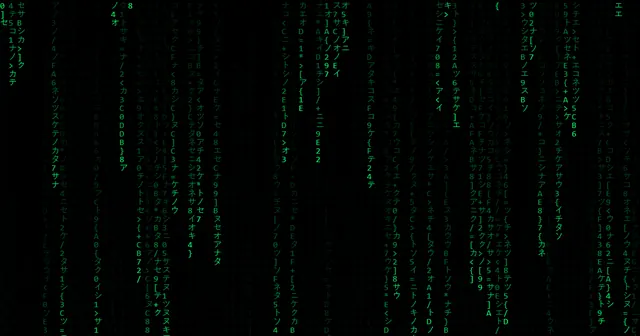 Matrix RainFalling green code with colour, speed and size controls.
 DVD ScreensaverThe bouncing logo with a corner-hit counter.
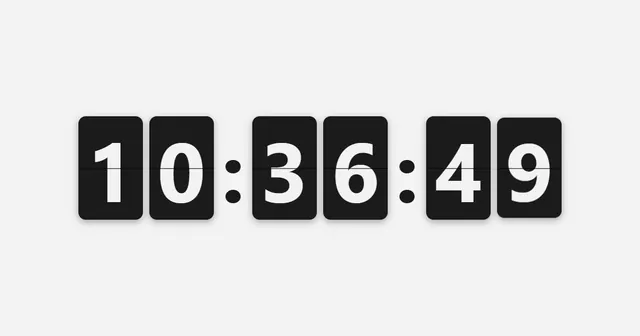 Flip ClockA large full-screen clock in three themes.
 Quotes ScreensaverRotating quotes or your own message.
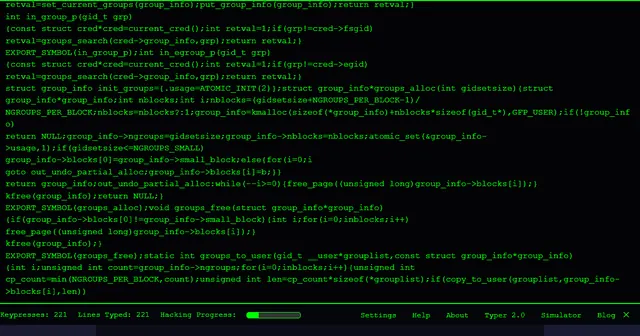 Hacker TyperThe classic: mash any key, get lines of kernel code.
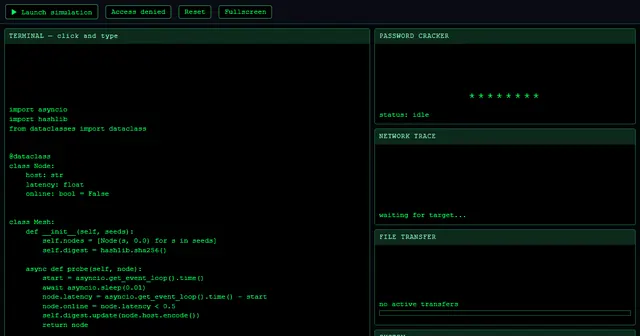 Hacker SimulatorA full fake hacking dashboard with one click.
 Fake Update ScreenWindows, Mac and more: an update that never finishes.
 White ScreenPure white for light, tracing and pixel checks.