Prank Websites
Every prank on hackertyper.app, sorted by type. They all run in a web browser on a computer, phone, tablet or smart TV, with nothing to install and nothing harmful. They're all fake, so after the laugh, everything is back to normal.
- Free
- No download or sign-up
- Harmless: nothing is changed on the device
- Works on phone and computer
Hacker pranks
Make it look like someone is hacking, or being hacked. The most popular pranks on the site.
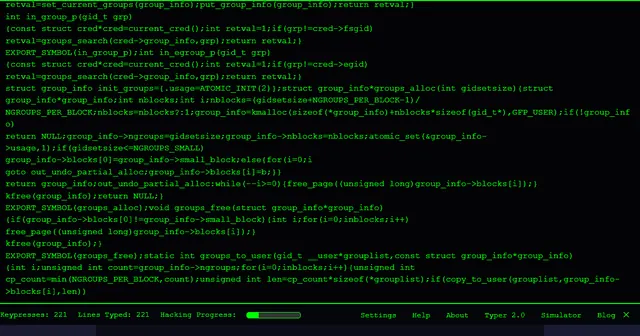 Hacker TyperThe classic: mash any key, get lines of kernel code.
 Hacker Typer 2.0Six languages, speed control, sound and themes.
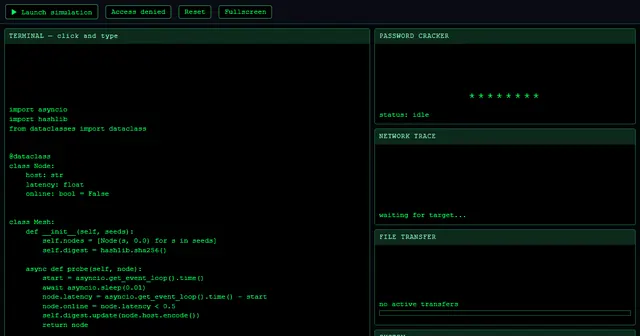 Hacker SimulatorA full fake hacking dashboard with one click.
 Fake Hacker ScreenHands-free code and matrix rain for any display.
 Hacker Typer PrankA scripted fake hack with your friend's name in it.
Fake screen pranks
Screens that look broken, frozen or busy. Open one, press Fullscreen and walk away.
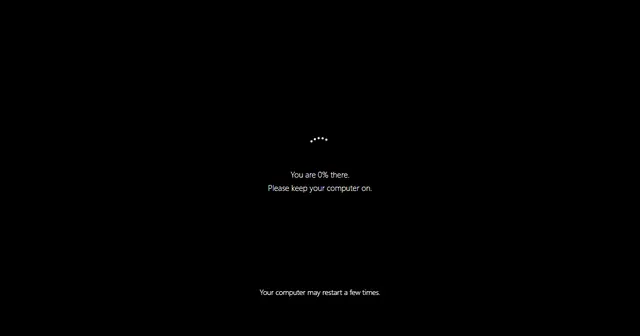 Fake Update ScreenWindows, Mac and more: an update that never finishes.
 Fake Blue ScreenA harmless crash screen with your own stop code.
 Broken ScreenA fake cracked display. Click to add more cracks.
 No Signal ScreenTV colour bars, static or blue with your own message.
 Radar ScreenA rotating radar sweep with flashing contacts.
 Fake Loading ScreenA loading bar that sticks at 99%, in three styles.
 Hair on Screen PrankA hair on the screen that will not wipe off.
 Ghost PrankA faint ghost drifts across the screen now and then.
 Scary Maze GameThe classic maze with a jumpscare on level 3.
 Prank SoundsAir horn, fart, knock knock and more, with a delay timer.
 Fake Work ScreenA code editor or spreadsheet that looks busy by itself.
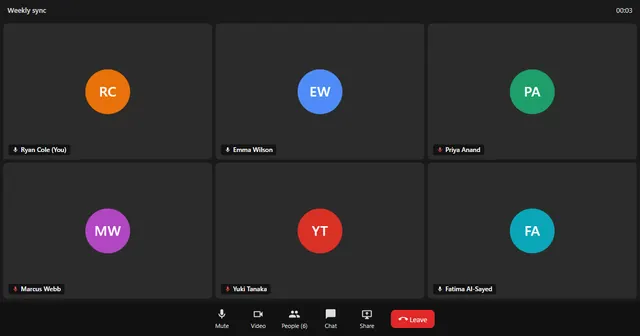 Fake Video CallA Zoom, Teams or Meet style meeting that never ends.
 Fake Text Message GeneratorMake a prank chat and save it as an image.
Fake update screens
An update that never ends, in the style of each operating system.
 Fake Windows 11 UpdateThe black Windows 11 update screen with a rising percentage.
 Fake Windows 10 UpdateThe blue "Working on updates" screen.
 Fake Windows XP UpdateThe blue "Installing Windows Updates" screen from XP.
 Fake Mac UpdateBlack screen, logo and a slow progress bar.
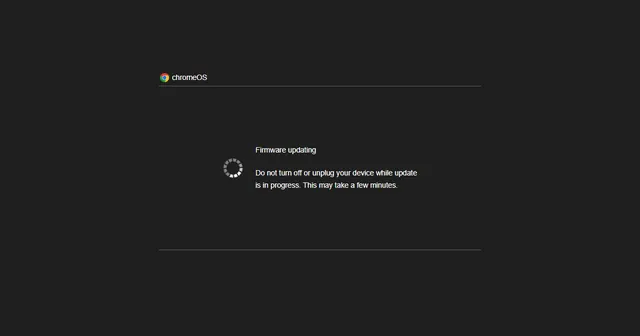 Fake Chrome OS UpdateThe "Firmware updating" screen for Chromebooks.
 Ubuntu 22.04 Fake UpdateThe purple Ubuntu screen with its row of loading dots.
 Ubuntu 24.04 Fake UpdateThe Ubuntu 24.04 version of the purple loading screen.
 Fake Android UpdateA system update screen for phones and tablets.
How to prank someone with a website
- Pick a prank that fits the device. Update screens and blue screens suit a laptop; the broken screen and hair prank work best on a phone; the ghost prank works well on a TV.
- Go full screen. Every prank has a Fullscreen button, or double-click the screen. The toolbar and pointer disappear.
- Hand it back, or walk away. Most people try a key or two, then start to worry.
- Reveal it quickly. A good prank ends with everyone laughing. Press Esc to show it was a website all along.
Send a prank link
You don't have to be in the same room. The hacker typer prank makes a share link with your friend's name in it that plays automatically when opened. More ideas are in prank links to send to friends.
Keep it harmless
- Don't prank someone who is on a deadline, about to present, or likely to switch the computer off in a panic.
- Skip scary pranks with young children and anyone with a heart condition.
- Never use a prank to trick someone into giving away passwords, money or personal details. Every prank here is clearly fake once you press Esc.
Prank websites FAQ
What is the best prank website?
For a computer, the hacker simulator and the fake update screen fool the most people. For a phone, try the broken screen or the hair on screen prank.
Are prank websites safe?
The ones here are. They're ordinary web pages that only change what's shown in the browser tab. They don't install anything, read files or change settings.
Do these pranks work on a phone?
Yes. Every prank works in a mobile browser. For a full-screen effect on iPhone, add the page to the home screen or scroll slightly to hide the address bar.
How do I stop a prank website?
Press Esc to leave full screen, then close the tab. On a phone, swipe up or press back.