Spacebar Counter
How fast can you hit the spacebar? Pick a time, start pressing, and see your total and presses per second. Your best score for each time is saved on your device.
- Free
- No download or sign-up
- Runs in your browser
0presses
10.0stime
0.0per second
–best
Press SPACE or tap here
How it works
- The timer starts on your first press and stops automatically at the time you chose.
- Holding the key down does not count. Only real presses count.
- On a phone or tablet, tap the box instead.
- Choose No limit to use it as a plain spacebar counter, and Reset to start again.
What is a good score?
| Presses per second | Rating |
|---|---|
| Under 5 | Relaxed |
| 5 to 7 | Average |
| 7 to 9 | Fast |
| 9 to 11 | Very fast |
| Over 11 | Exceptional |
These bands are a rough guide, not official records. Tips to go faster are in how to press the spacebar faster. Testing your mouse instead? Try the double click test.
Spacebar counter FAQ
Does holding the spacebar count?
No. Held keys repeat automatically, so the counter ignores them and only counts separate presses.
Where is my best score saved?
In your browser on this device. It is not uploaded, and clearing your browser data removes it.
Does the spacebar counter work on mobile?
Yes. Tap the large box to count presses.
More tools
 Dead Pixel TestStep through full-screen colours to find bad pixels.
 Stuck Pixel FixerFlash colours over a stuck pixel to revive it.
 Refresh Rate TestSee your screen refresh rate in Hz.
 Double Click TestCheck if your mouse double clicks by itself.
 Touch Screen TestMulti-touch, dead zones and ghost touch.
 Burn-In TestColours and greys that reveal OLED burn-in.
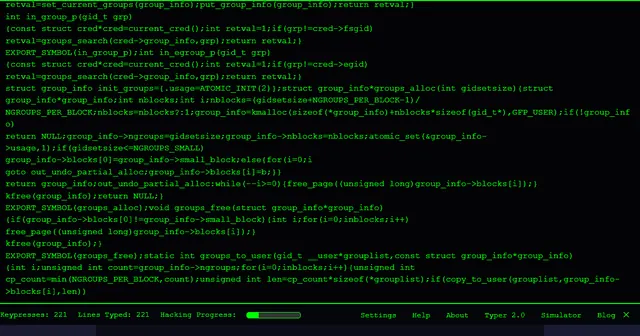 Hacker TyperThe classic: mash any key, get lines of kernel code.
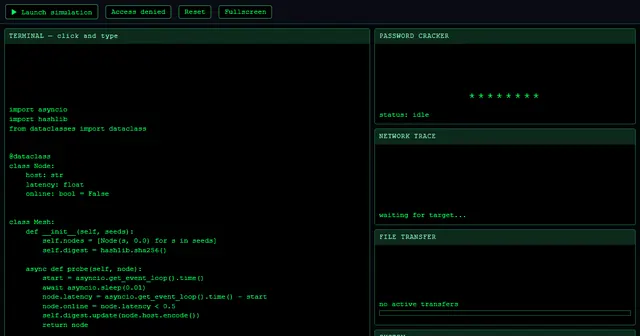 Hacker SimulatorA full fake hacking dashboard with one click.