How to Look Busy at Work (and When to Just Be Honest)
Everyone has slow days: the project is waiting on someone else, the meeting was cancelled, and it's only 3 p.m. Here are some tongue-in-cheek ways to look busy, and a few that actually help.
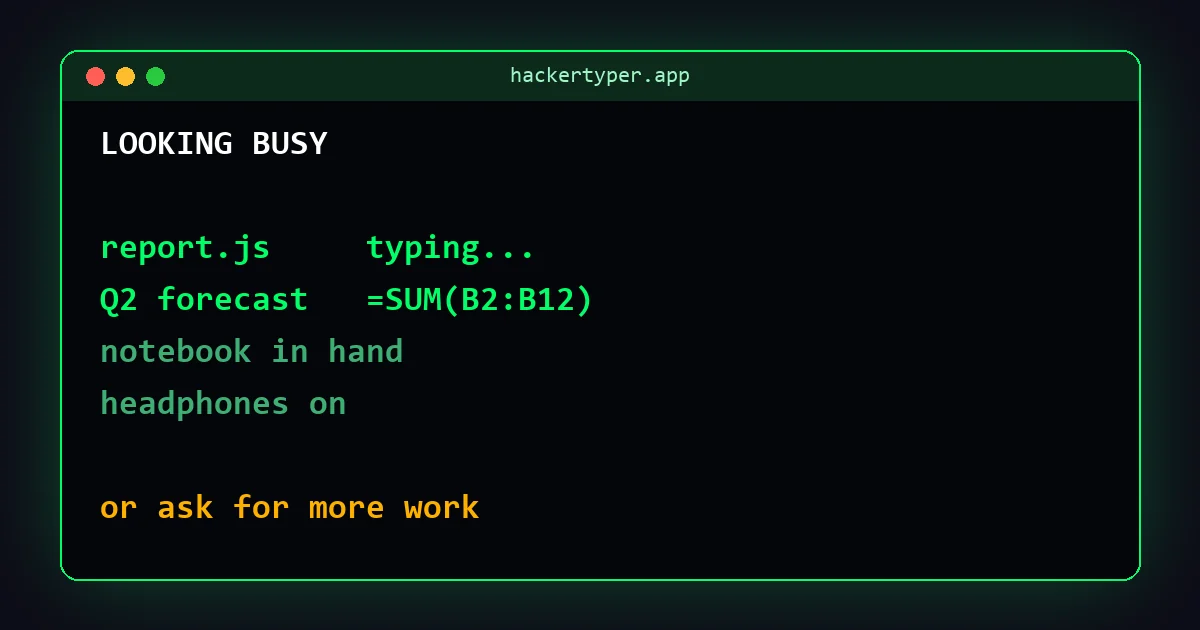
The screen says "busy"
A blank desktop gives the game away. The fake work screen shows a code editor typing a report script or a spreadsheet with numbers changing all by themselves. It's also a good prop for videos and photos of an office.
For the full Hollywood effect (definitely not for a real office) there's the fake hacker screen.
Stop the laptop from locking
Nothing says "away" like a locked screen. The mouse jiggler page keeps the screen on from a browser tab. It won't keep a Teams status green, though: see how to keep your computer awake for why.
Classic office moves
- Carry a notebook everywhere. A notebook makes any walk look purposeful.
- Keep several documents open, ideally one with a chart.
- Use headphones. People assume you're concentrating, or on a call.
- Walk briskly. Nobody stops a fast walker to ask what they're doing.
Better: make the slow time count
Looking busy wears you out faster than being busy. A few things that genuinely help:
- Learn something useful: a spreadsheet shortcut, a short online course, the internal tool everybody struggles with.
- Tidy up: files, inbox, documentation, the task nobody wants. Future you will be grateful.
- Ask for more: telling your manager you have capacity usually goes down better than they'd expect, and it's how people get interesting projects.
A note on fake activity
Many companies monitor activity, and some treat mouse jigglers and similar tools as a disciplinary matter. The fake work screen is for fun, pranks and props; it's not a way to mislead an employer, and we don't recommend using it for that.
FAQ
Can my employer tell if I use a fake work screen?
Possibly. Monitoring software can see which websites and apps are open. Treat it as a prank or a prop, not a cover story.
Does a fake work screen stop my computer sleeping?
No. Sleep depends on keyboard and mouse activity. Use the mouse jiggler page to keep the screen awake.
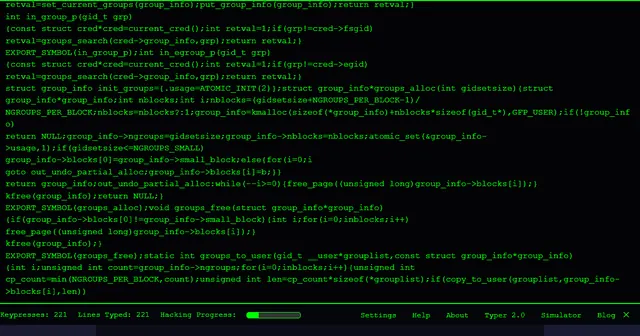 Hacker Typer
 Hacker Typer 2.0
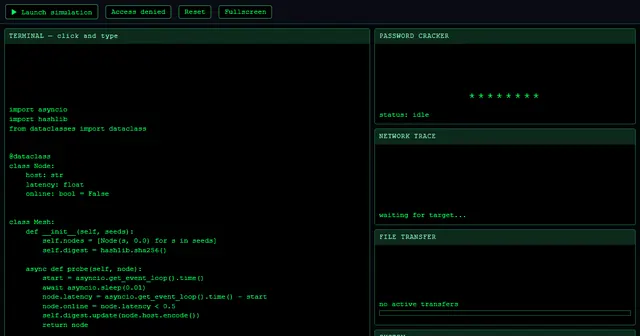 Hacker Simulator
 Fake Hacker Screen
 Hacker Typer Prank
 Fake Update Screen
 Matrix Rain
 White Screen